FAQ
Find Selection Guidance by Category, Parameters, Installation & Troubleshooting FAQ.
View All Questions → PRECISION DRIVE
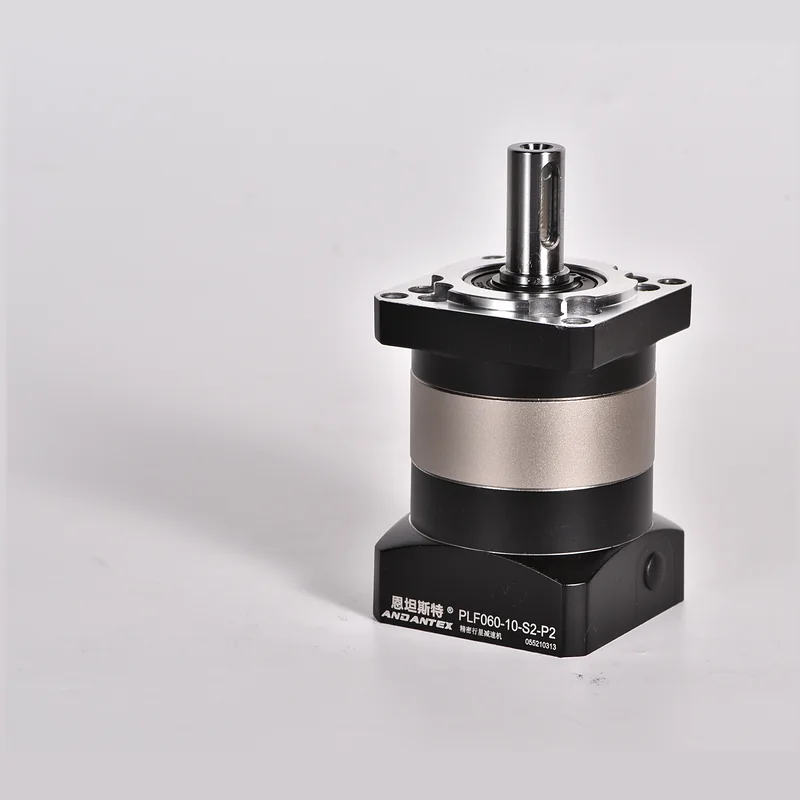 PLF Square-Flange Spur GearboxView Full Model RangeImage PendingPLE Round-Flange Spur GearboxView Full Model Range
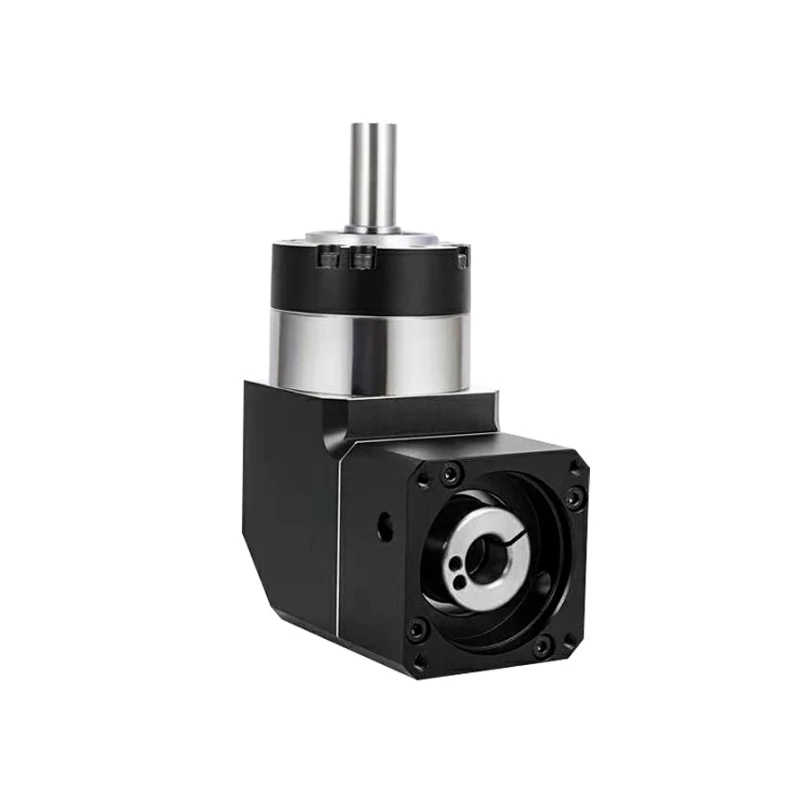 PVEA Right-Angle Round-Flange GearboxView Full Model Range
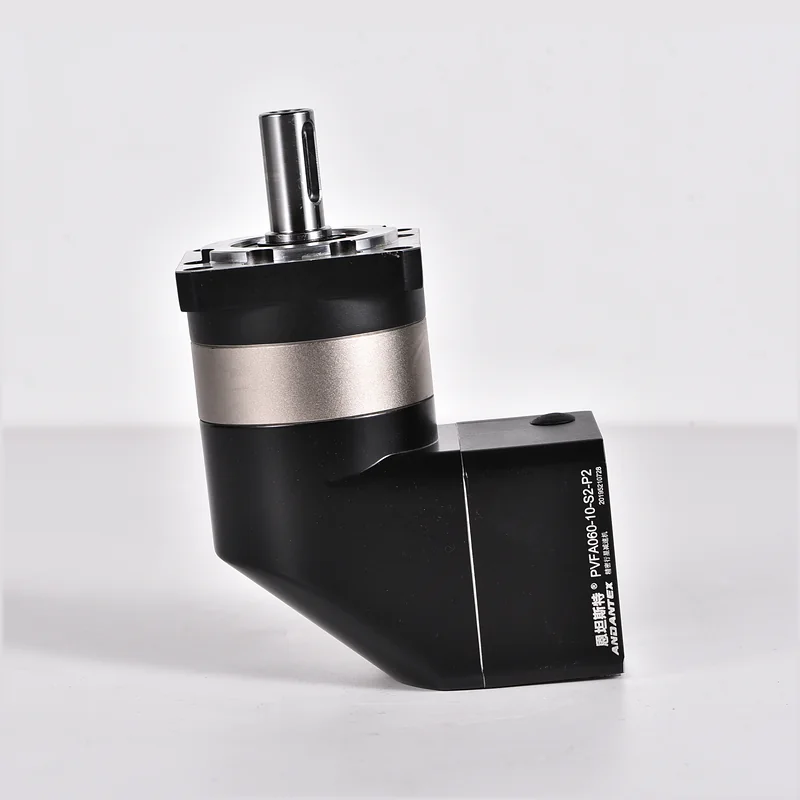 PVFA Right-Angle Square-Flange GearboxView Full Model RangeImage PendingPBF Square-Flange Hollow-Output GearboxView Full Model RangeImage PendingPBE Round-Flange Hollow-Output GearboxView Full Model RangeImage PendingPVBF Right-Angle Square-Flange Hollow-Output GearboxView Full Model Range
Find 2D / 3D Drawings, product catalogs and installation resources; Use technical articles and FAQ, to review your application requirements.
Each resource has a clear purpose and next step, Connect Downloads, Knowledge & Selection Tools.
Find Selection Guidance by Category, Parameters, Installation & Troubleshooting FAQ.
View All Questions →Download Product Catalog, Technical Resources, Manual, Search by Product Model 2D Drawings, 3D Models & Motor Interfaces.
Open Download Center →Covers 8 Product Categories, 41 Series and 137 Models / Size Detail Pages.
Search All Models →Start with Operating Conditions, Motor, Brand, Choose a selection path using the interface or target model.
Open Selection Center →Understand Rated & Peak Torque, Inertia, Backlash, Temperature Rise, Noise, Frequent Starts & Stops, and Other Topics.
Browse Technical Articles →Check Assembly Concentricity, Fastening, Lubrication, Accuracy Protection & Pre-Commissioning Checks.
View Guidelines →Submit Motor Details Together, Operating Conditions, Interface, Quantity & Lead-Time Requirements, Reduce Repeated Requests for Information.
Generate a Complete RFQ →Identify the product and issue type first, Then include key operating conditions in the engineering review.
Equal power does not mean equal output torque, Inertia or Cycle Time.
Read →Check continuous capacity and brief acceleration/shock loads separately.
Read →Shaft Diameter, Shaft Length, Keyway, Both pilot diameter and mounting hole spacing are essential.
Read →Start with Load Factor, Speed, Installation, Lubrication & Environmental Conditions.
Read →Distinguish Gear Meshing Noise First, Bearing, Concentricity Issues & Structural Resonance.
Read →Acceleration Torque, Thermal Cycles & Shock Loads Affect Actual Service Life.
Read →Submit the Full Motor Model Number, Mounting Drawing & Machine Operating Conditions, To assess standard or custom interface compatibility.